
1
Add your recipes
Import from a website, photo or cookbook, create them manually, or generate them with AI.
Mealz brings your recipes, meal plan and grocery list together in one Android app. Import recipes from the web, a photo or a cookbook, generate new recipes with AI, and plan meals manually or automatically.
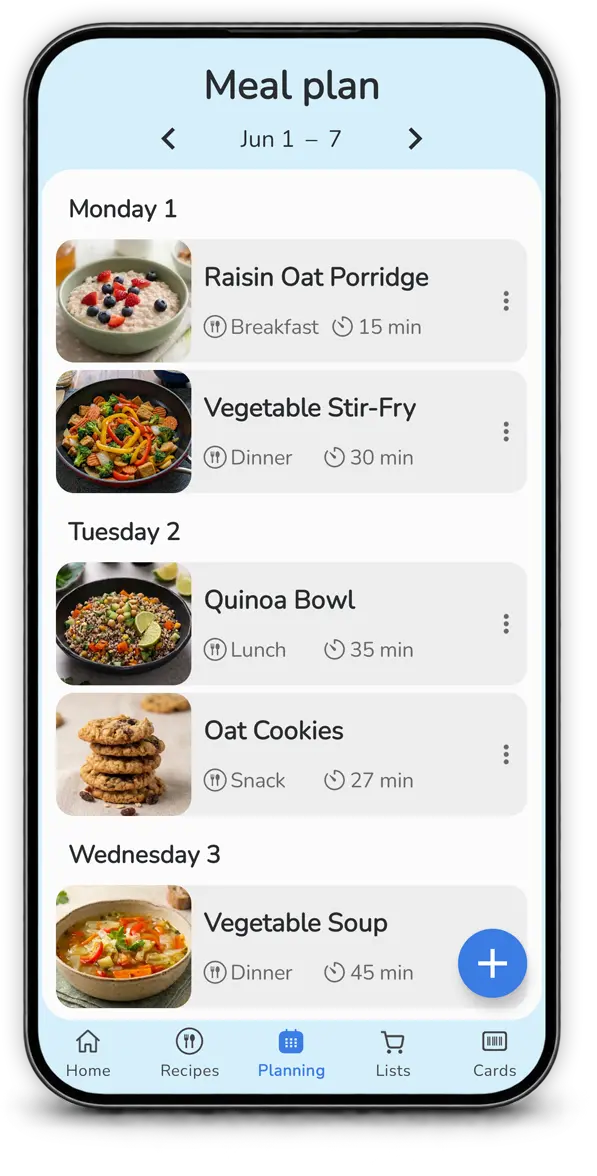
Organize your week in minutes. Add meals yourself or let Mealz automatically suggest a plan based on your habits.
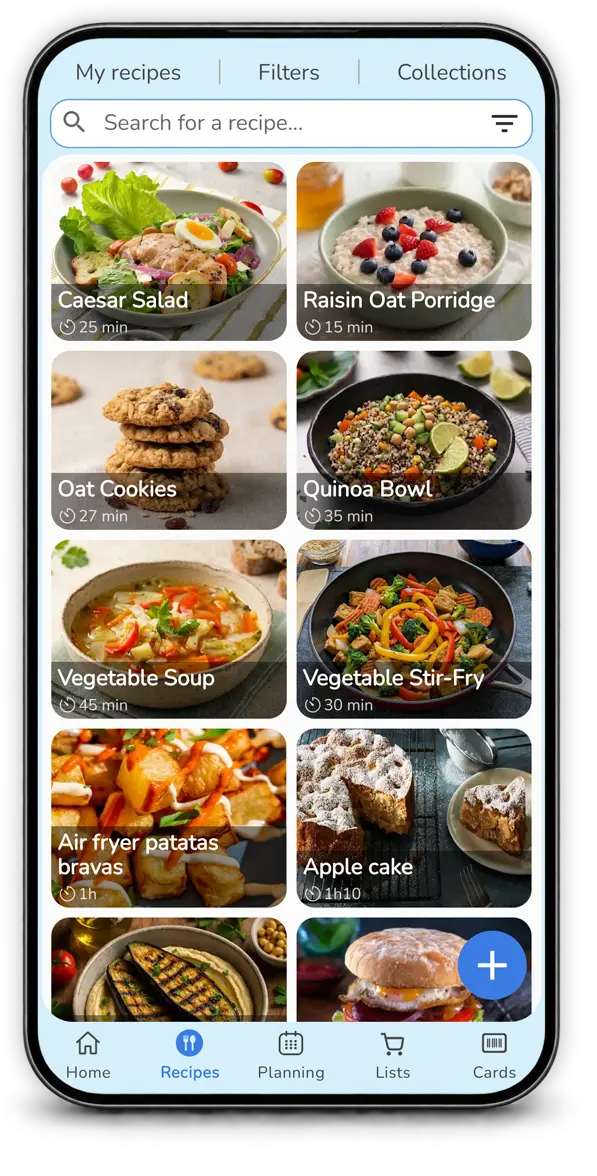
Explore, add, and organize your recipe collection. Follow the step-by-step instructions to cook your recipes stress-free.
Add recipes from anywhere: a website, a photo, or a cookbook. Generate new recipes with AI and add them directly to Mealz.
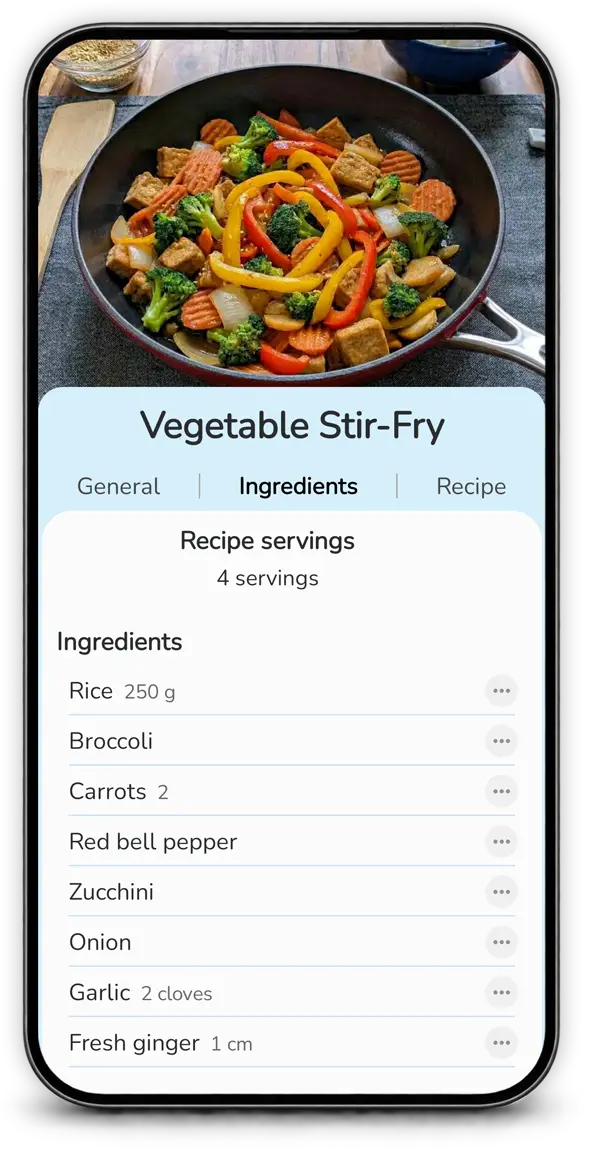
Mealz automatically builds your grocery list from your planned meals and helps keep products organized by category.
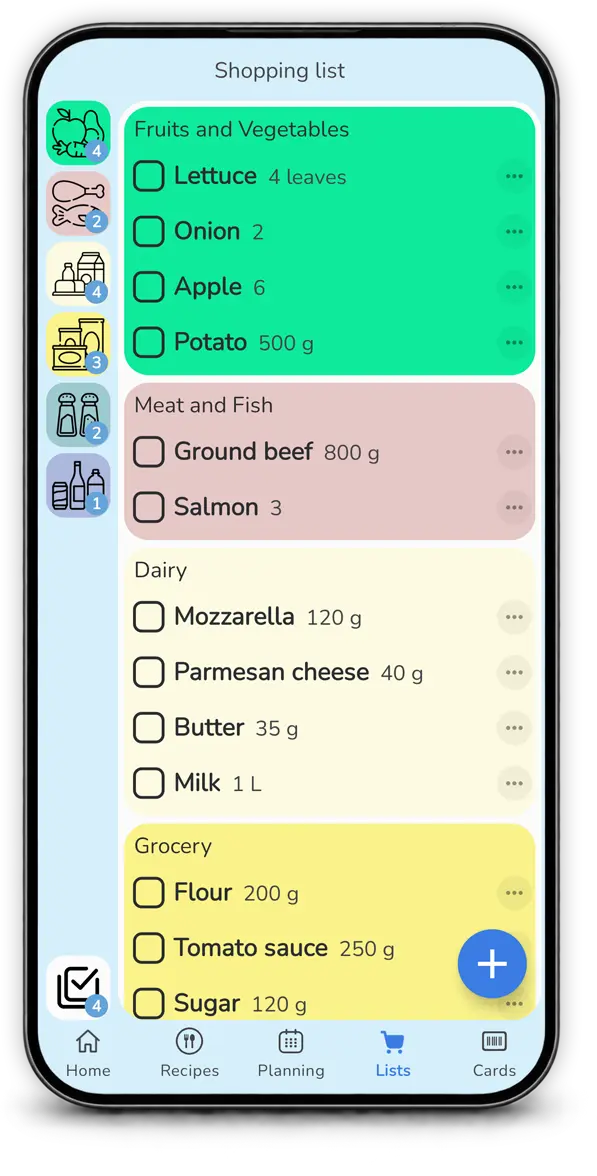
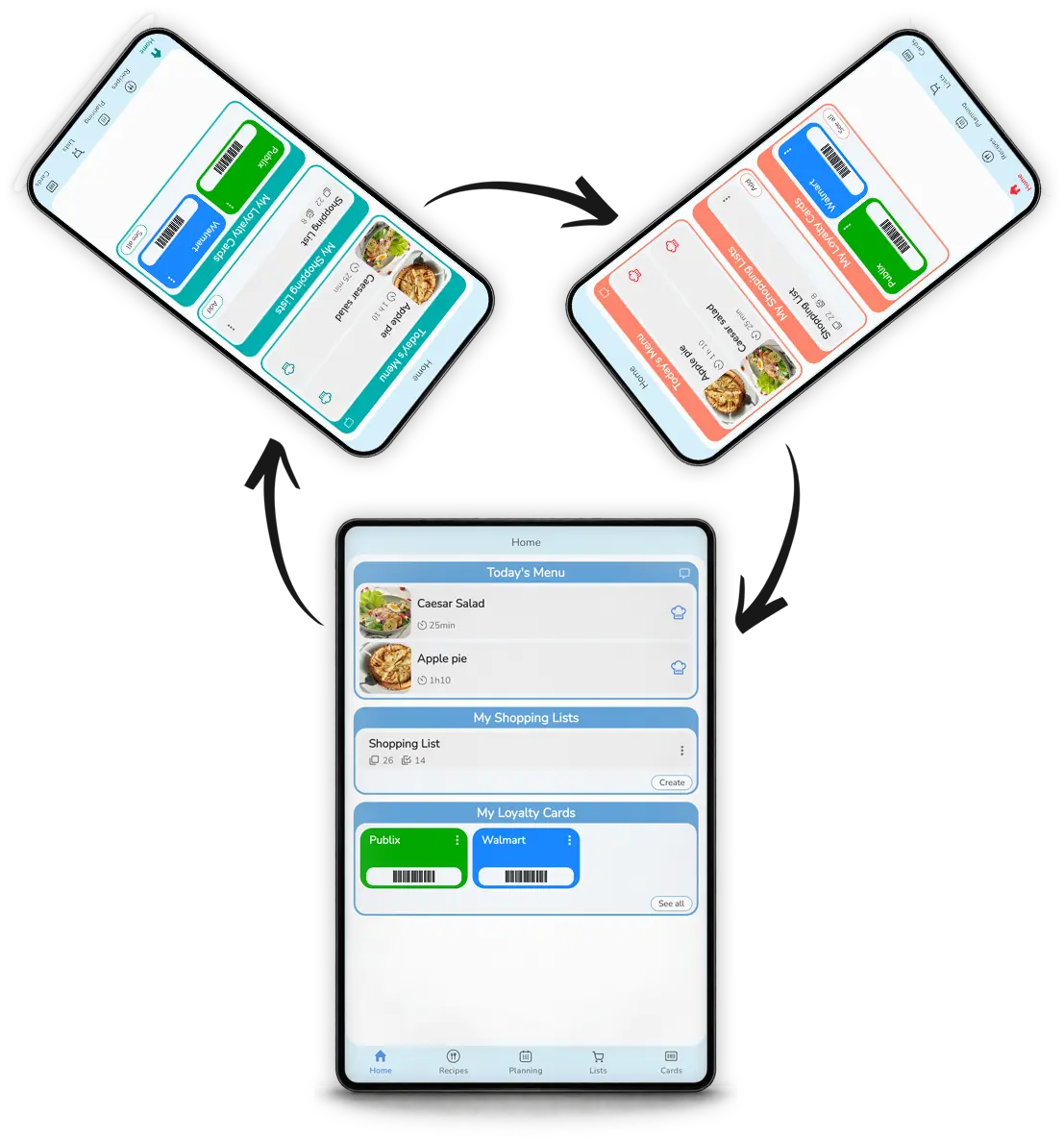
Share recipes, meal plans and grocery lists with family or friends so everyone can stay organized with the same information.
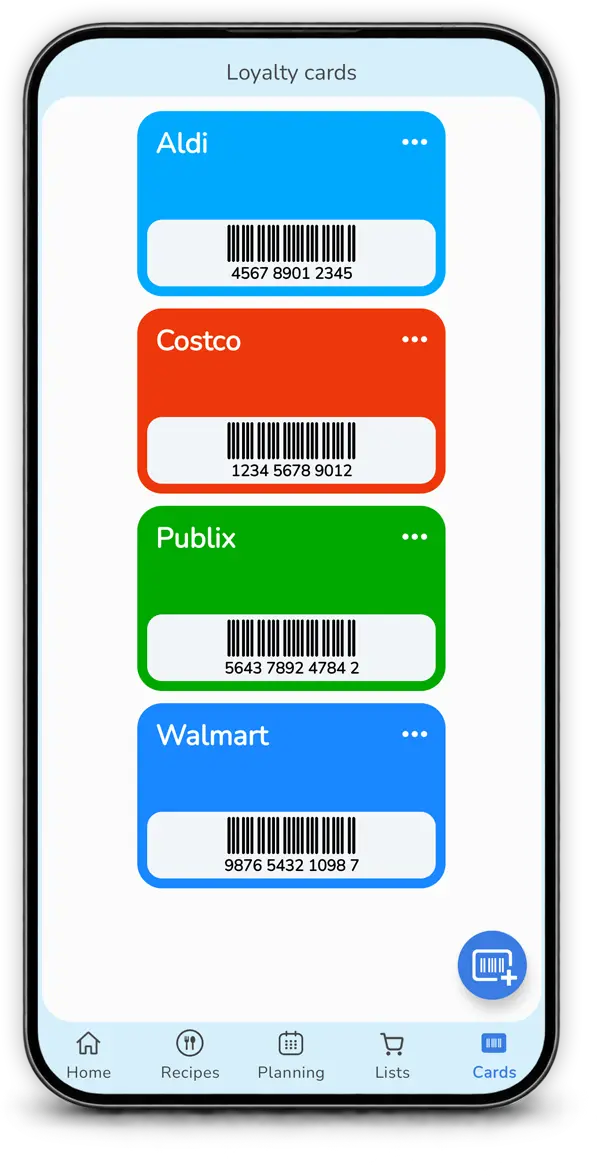
Scan and store your loyalty cards in Mealz so they stay close to your grocery list and are easy to find at the store.
Mealz connects the steps that are usually spread across several apps.
Import from a website, photo or cookbook, create them manually, or generate them with AI.
Build your week yourself or use automatic planning based on your habits.
Turn planned meals into a grocery list organized by category.
Common questions about meal planning, recipes and grocery lists.
Mealz is an Android app that combines recipes, meal planning and grocery lists to make weekly meal organization easier.
Yes. Add recipes manually or import them from a website, photo or cookbook page.
Yes. Describe what you want to cook and generate a recipe that you can save to your collection.
Yes. Alongside manual planning, Mealz can suggest meals automatically while taking your habits into account.
Yes. Mealz connects your meal plan and recipes with grocery-list preparation.