
Import a recipe from a website
Share or paste a recipe link to add it to Mealz without typing everything again.
Scan a recipe from a photo or cookbook
Use a photo of a printed recipe or an existing image to speed up recipe entry.
Mealz · import recipes
Found a recipe online, in a cookbook or in a photo? Mealz helps bring it into your own collection so you can use it later in your meal plan and grocery list.
Share or paste a recipe link to add it to Mealz without typing everything again.
Use a photo of a printed recipe or an existing image to speed up recipe entry.
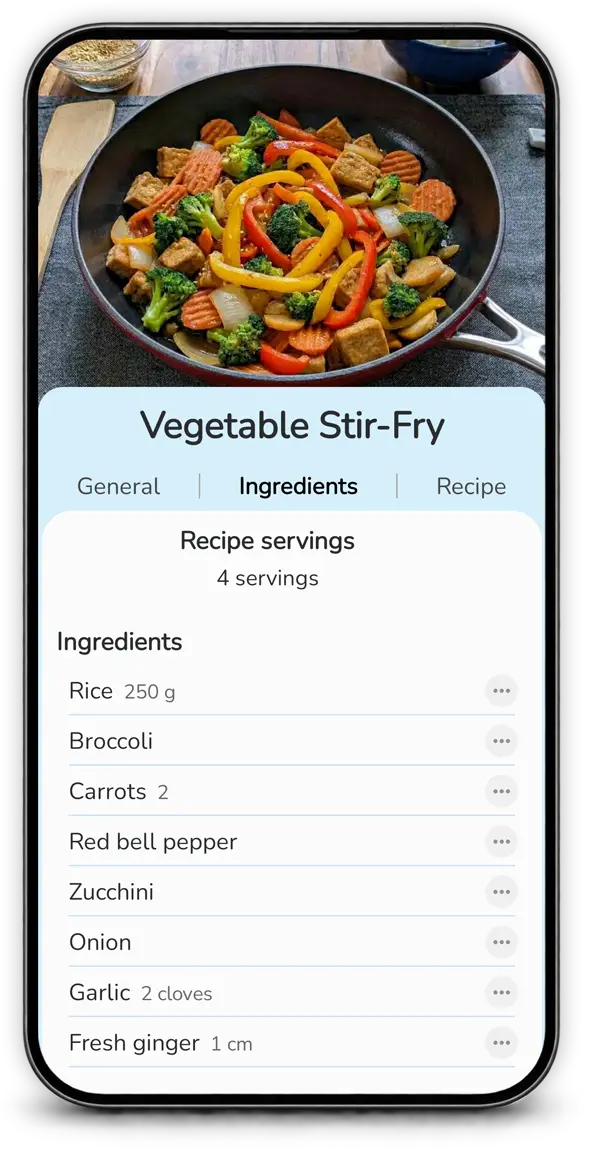
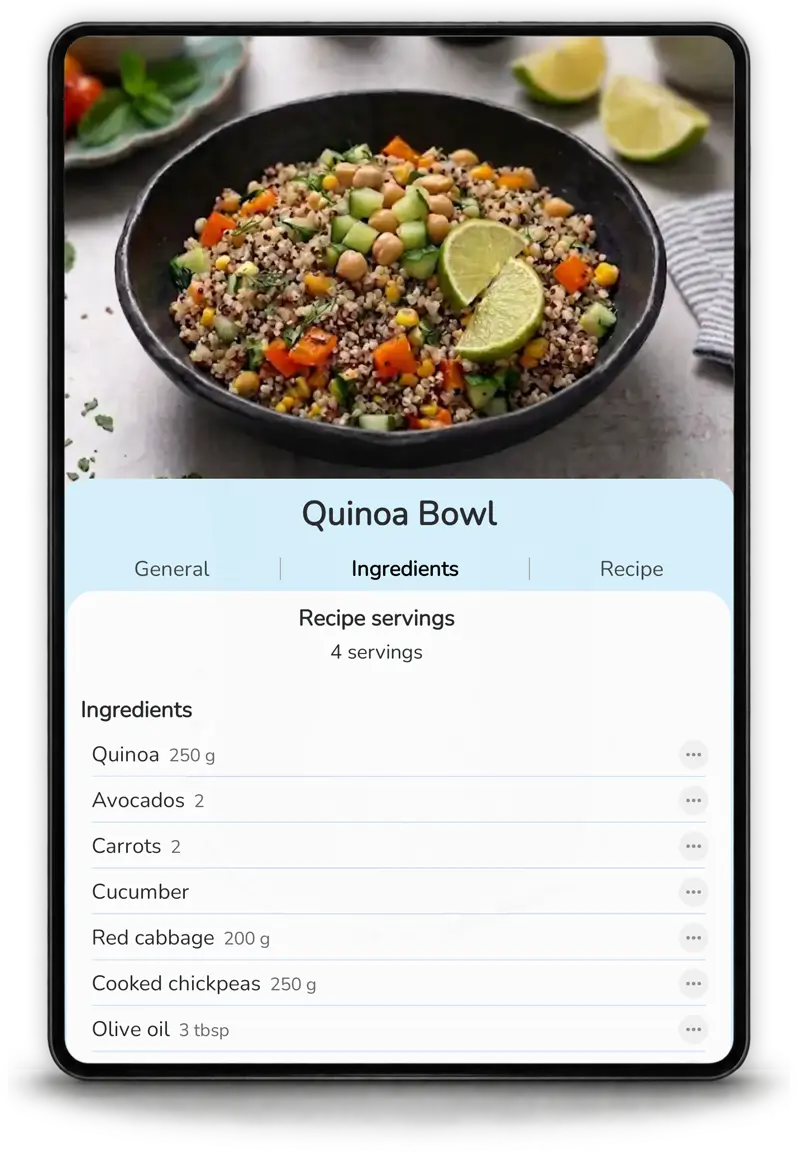
Imported recipes remain editable, so you can check the result and adapt it before saving it to your collection.
Mealz is designed as one connected workflow: recipes feed the planner, and the planner helps prepare the grocery list.

Yes. Mealz can retrieve recipe information from a web page and add it to your collection.
Yes. You can use a photo of a printed recipe to make it easier to save in Mealz.
Yes. Mealz supports recipe import from images and photos.
Yes. You can correct or customize an imported recipe after it is created.