Your cards in one app
Add loyalty cards so you do not have to search for the physical card at checkout.
Designed for grocery trips
Cards are available in Mealz, where you already check your grocery list.
Mealz · loyalty cards
Mealz can also keep loyalty cards in one place so they are easier to find when you are shopping. They stay in the same app as your meal plan and grocery list.
Add loyalty cards so you do not have to search for the physical card at checkout.
Cards are available in Mealz, where you already check your grocery list.
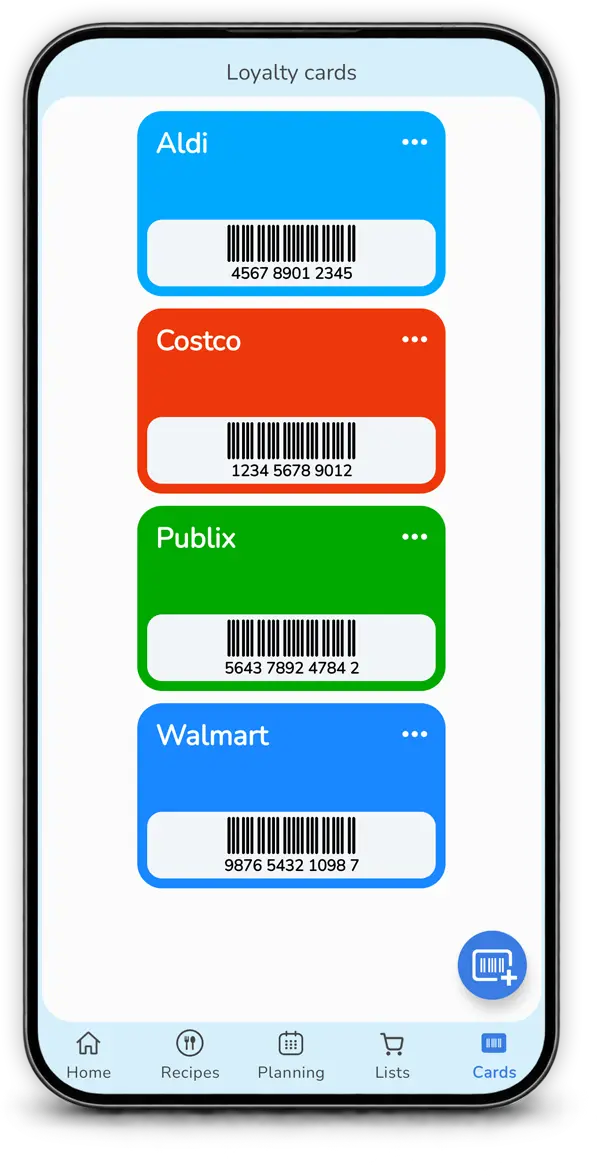
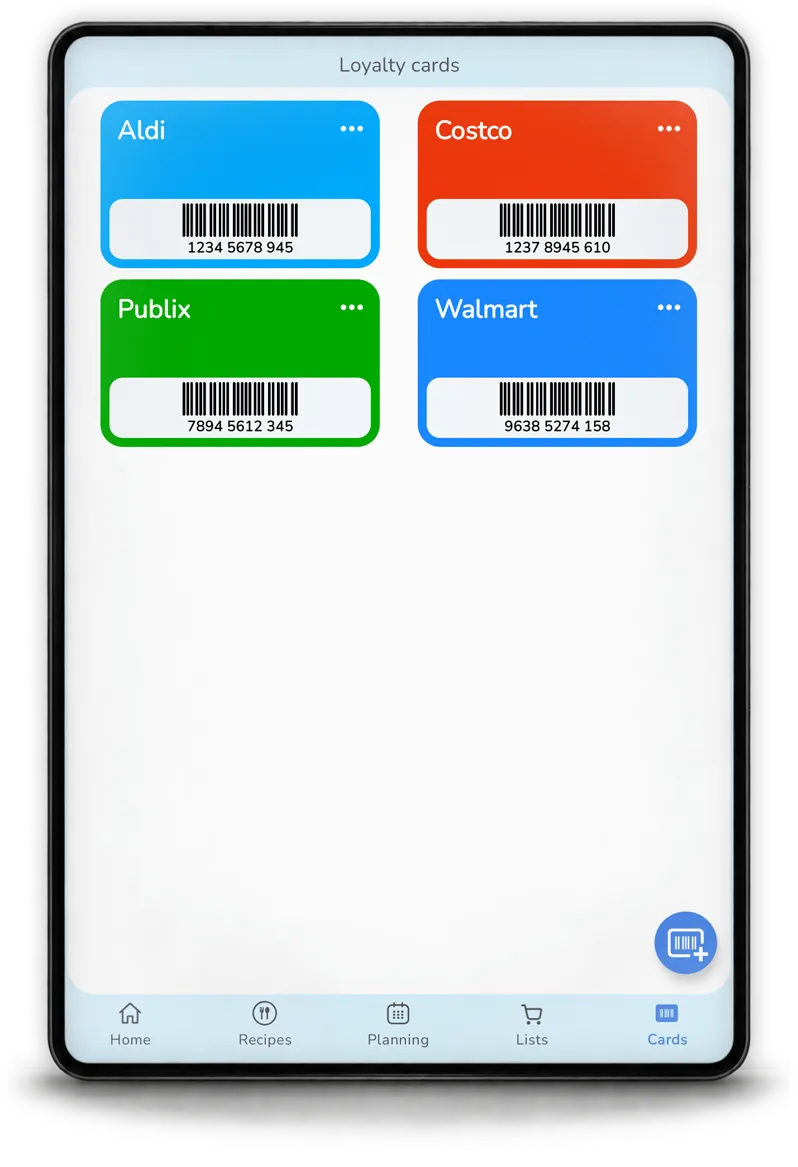
The feature completes the Mealz flow: plan meals, prepare groceries, then keep useful store information available.

Yes. Mealz lets you add loyalty cards; any limits depend on the plan you use.
They are accessible in Mealz so you can find them easily during grocery shopping.
A card stored in the app can make the physical card unnecessary in stores that accept that format.
It mainly complements the grocery-shopping side of Mealz, while recipes and planning help build the list.