
Looking for a Mealime alternative after its shutdown announcement? Mealz brings meal planning, recipes and shopping preparation together. Plan meals yourself or start with automatic suggestions, browse the recipe library built into the app, import compatible recipes and create new ones with AI.
A Mealime alternative for meal planning, recipes and shopping
A useful meal-planning app should help you decide what to cook, organize the week and prepare a shopping list. Mealz brings those everyday essentials into one place, while giving you different ways to choose and reuse recipes.
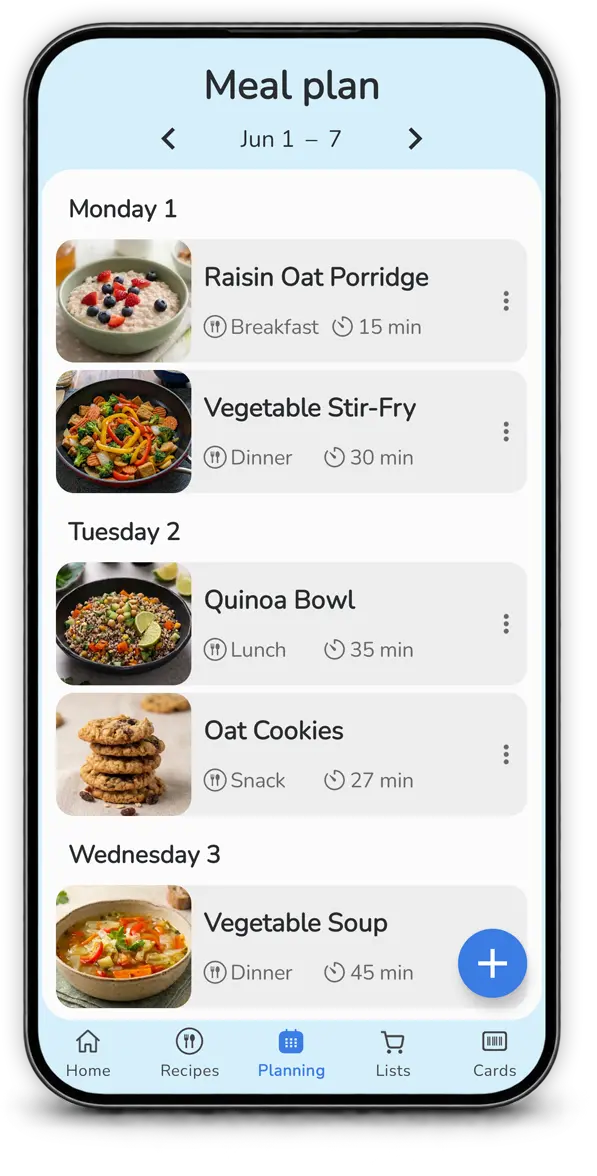
Plan the week your way
Choose meals yourself or start with automatic meal-planning suggestions based on your planning habits. Review and adjust the proposed plan to fit your schedule.
Reuse what works
Repeat favorite dishes or copy a previous plan instead of rebuilding every week from scratch. It is a simple way to reuse meals that already work for you.
Recipes to get you started
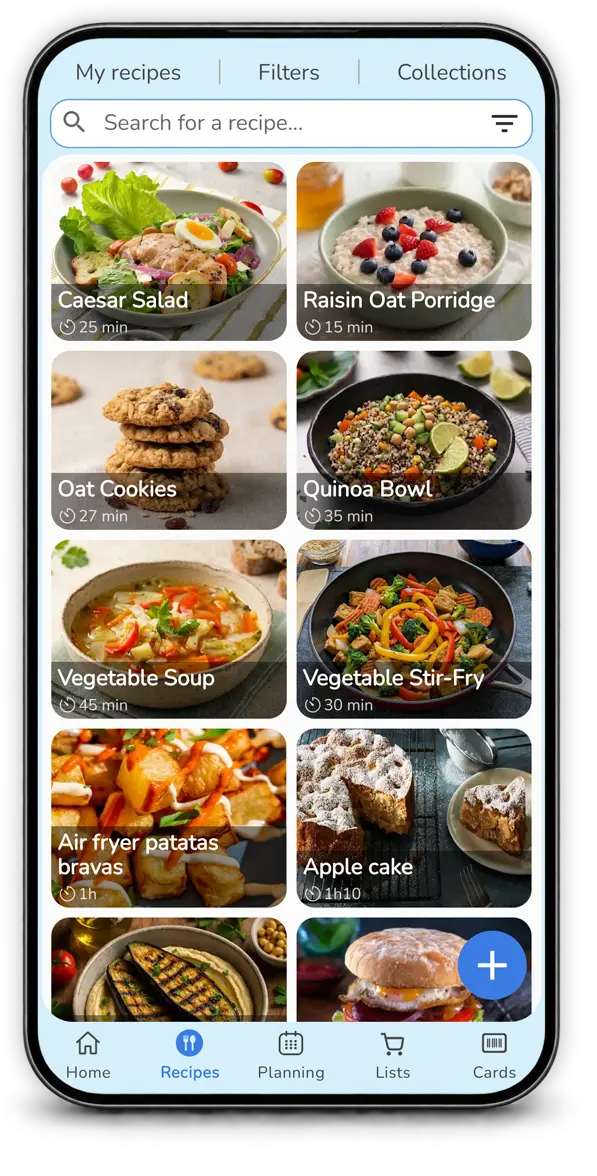
Mealz includes a recipe library directly in the app, so you can browse recipe ideas from the start. You can also add more recipes through supported imports or create new ones with AI.
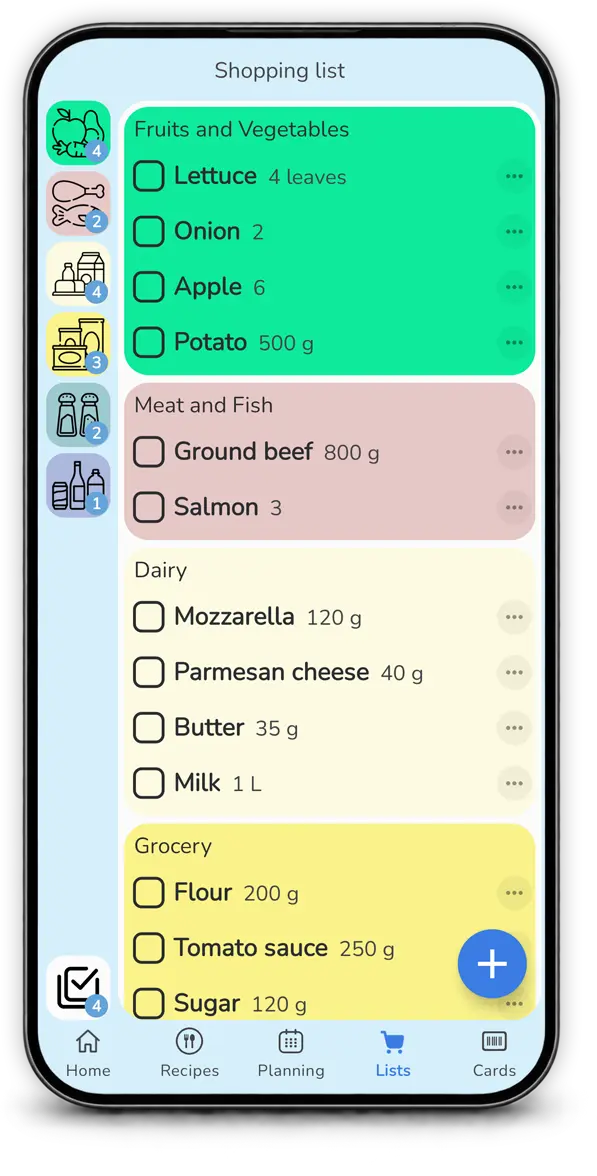
Keep shopping organized by aisle
Turn planned meals and recipes into a shopping list organized by aisle, so ingredients are easier to find while you shop.
What makes Mealz different from Mealime?
Alongside the recipe library already included in Mealz, you can import compatible recipes from sources you use and create new ones with AI. That gives you more than one way to find ideas and bring them into your weekly plan.
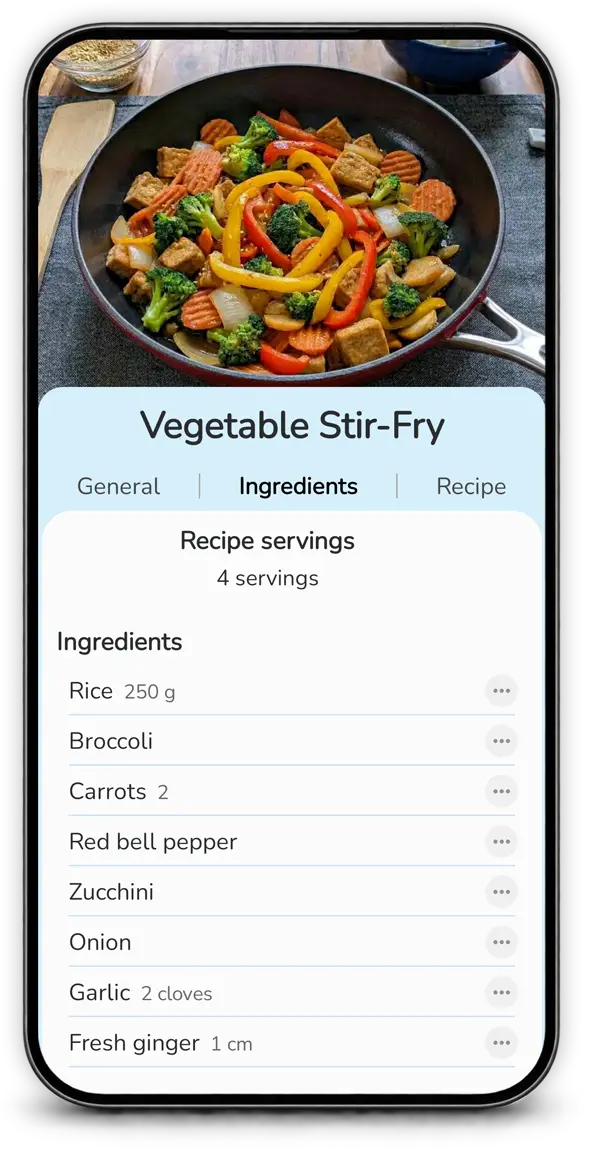
Import recipes from the web and supported platforms
Bring recipes you find online into Mealz: import compatible recipe links, use photos or cookbook pages, and save recipes from supported social platforms. See the recipe import options; availability can vary depending on the source.
Create recipes with AI
Describe the dish, ingredients or idea you have in mind and use an AI-generated recipe as a starting point, then review and adapt it. Explore the AI recipe generator.
Mealime vs Mealz: compare the key features
Both apps bring meal planning, recipes and a shopping list together. This comparison highlights the shared essentials and the extra flexibility Mealz offers through manual or automatic planning, recipe imports and AI recipe creation.
| What you need | Mealime | Mealz |
|---|---|---|
| Plan your meals | Build personalized meal plans using recipes from its catalogue. | Plan meals yourself or start with automatic suggestions based on your planning habits, then review and edit. |
| Recipe library | Browse recipes from Mealime’s catalogue. | Browse the built-in recipe library, import compatible recipes or create new recipes with AI. |
| Prepare for shopping | Generate a shopping list from selected recipes. | Connect your planned meals to a shopping list organized by aisle. |
| Make planning fit your routine | Use Mealime’s personalized meal-planning workflow. | Choose manual planning, get automatic suggestions, repeat dishes or copy a previous plan. |
Mealime’s listed features are summarized from its official Google Play listing and shutdown announcement. Mealz features reflect the current app and may vary by app version or plan.
How to switch from Mealime to Mealz
- Download Mealz from Google Play on your Android device.
- Explore recipes in Mealz, then import compatible recipes or create new ones with AI.
- Plan your week yourself or use automatic suggestions as a starting point.
- Take your list shopping with your planned meals and ingredients organized in one place.
Mealime alternative: frequently asked questions
Can Mealz help me plan meals like Mealime?
Yes. Mealz brings meal planning, recipes and a shopping list together. You can plan manually or start with automatic suggestions, then review and change your plan.
What does Mealz offer beyond Mealime?
Mealz includes a built-in recipe library, supports imports from compatible websites, photos or cookbook pages, lets you create recipes with AI, and helps you repeat favorite dishes or copy a previous plan. Some advanced features may require Mealz Premium.
Can I transfer my Mealime account or meal plan to Mealz?
Mealz does not automatically transfer Mealime accounts or complete meal plans. You can add the recipes you want to keep using compatible imports, photos or manual entry.
Is Mealz available on iPhone?
Mealz is currently available as an Android app. Check the Google Play listing for current availability and requirements.
Mealime’s shutdown announcement and app description can be found on its official Google Play listing.